Computer Requirements & Resources
Laptop Requirement
All GSD students must bring a laptop.
Mac VS. PC: What to Choose?
Choosing between a Mac and a Windows PC should be based on your personal preferences and the software requirements for your program.
Many of the applications used at the GSD are available for both Mac and Windows, including the Adobe Creative Cloud, AutoCAD, and Rhino. However, some applications and plugins require Windows.
Windows-only apps include:
| Some Rhino/Grasshopper plugins | ArcGIS Pro |
| Autodesk Revit | MasterCAM |
Running Windows on a Mac
Apple computers can run Windows through virtualization software such as Parallels. However, running Windows in a virtual environment may have performance and compatibility limitations.
This setup is not recommended for intensive CAD, 3D modeling, rendering, or other graphics-intensive work. Some applications and plugins may also not function as expected when running Windows through Parallels.
If your coursework requires Windows-only software, we recommend using a Windows computer rather than relying on virtualization. See “Already Have a Mac?” below for information about Windows computers available for student use.
Minimal Disclaimer: Entry-level Dell XPS and ultraportable laptops Apple MacBook Neo, along with similar ultraportable laptops are not sufficient performance machines for design, rendering, and CAD-intensive work. Please refer to the Recommended Specifications before purchasing or check that your device meets the requirements for your coursework.
Harvard offers student discounts through:
- Vendors: Dell and Apple
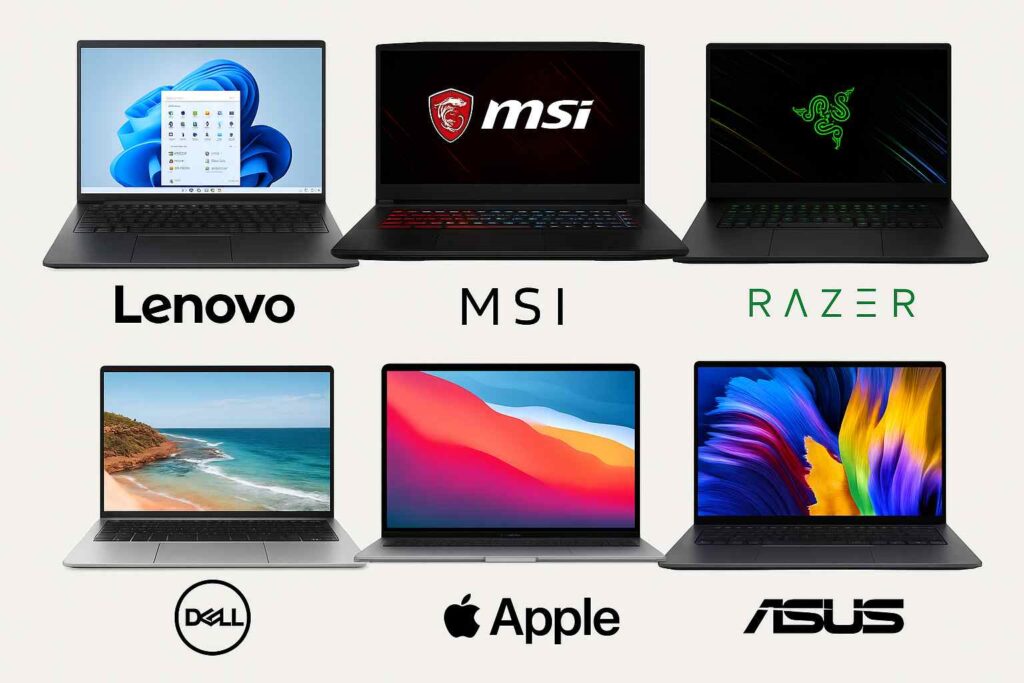
- B&H partnership: Lenovo, MSI, Razer, ASUS
NOTE: Students are not required to purchase a computer from Dell and Apple vendors.
Recommended Equipment
In addition to a laptop, consider:
- A mouse (essential for CAD work)
- A desktop workstation for extra computing power
- A large external monitor
Recommended Computer Specifications
For students who expect to use CAD, 3D modeling, rendering, GIS, or other graphics-intensive applications, we recommend a high-performance computer.
Windows Recommended Specifications:
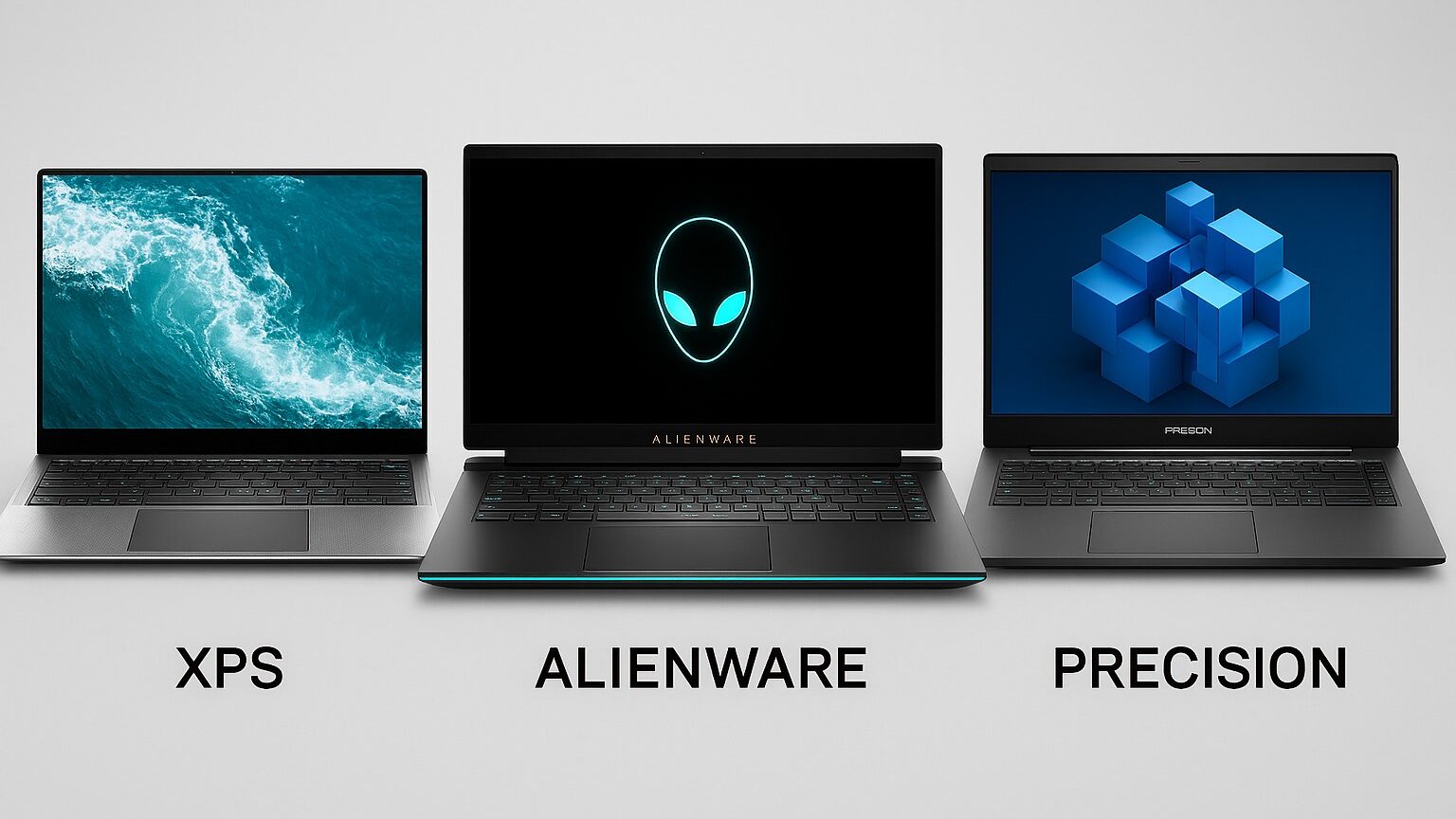
When shopping for a Windows laptop, look for computers marketed as high-performance, professional/creative workstations, or gaming laptops. The specific brand or product line is less important than the computer’s actual hardware specifications.
Important: Do not choose a computer based solely on the model name or brand. The examples shown below are intended to give you an idea of the type of computer to look for. Be sure to compare the computer’s specifications with the Recommended Specifications listed below.
- Windows 11, 64-bit
- 32 GB RAM
- 1 TB SSD
- Modern high-performance Intel or AMD processor
- Dedicated NVIDIA or AMD graphics card
- 8 GB or more of dedicated graphics memory (VRAM) recommended
Why is a dedicated graphics card important?
CAD, 3D modeling, rendering, and visualization applications can require significant graphics processing power.
A dedicated GPU can provide better performance for these types of workloads than integrated graphics.
Dedicated graphics cards are commonly listed as NVIDIA or AMD. If the only graphics processor listed is an integrated Intel or similar graphics solution, the computer may not provide sufficient performance for intensive CAD, 3D modeling, or rendering.
Apple Recommended Specifications:
- Apple M2 Chip or higher
- 32GB unified memory
- 1 TB SSD storage
- A higher-performance GPU is recommended
Already Have a Mac?
If you have already purchased a Mac and discover that you need Windows-only software for your coursework, there are computer resources available that may help.
These computers can provide an alternative for students who need to use Windows-only applications but already own a Mac; however, they are first-come, first-served, and their availability is not guaranteed.
Vendor Requirements
Here are some specific requirements provided directly from the software developers.
AutoCAD
Phone
617-496-3810Location
48 Quincy Street
Gund Hall
Suite L-19
Cambridge, MA 02138
Hours
Service Desk Email & Phone Support Monday – Friday 7:30 a.m. – 6:00 p.m. Saturday, Sunday 12:00 p.m. – 4:00 p.m.
Field Tech (in person) Support Monday – Friday 9:00 a.m. – 5:00 p.m.
After Hours Student Support Monday – Friday 5:00 p.m. – 10:00 p.m. Saturday, Sunday 10:00 a.m. – 10:00 p.m.